
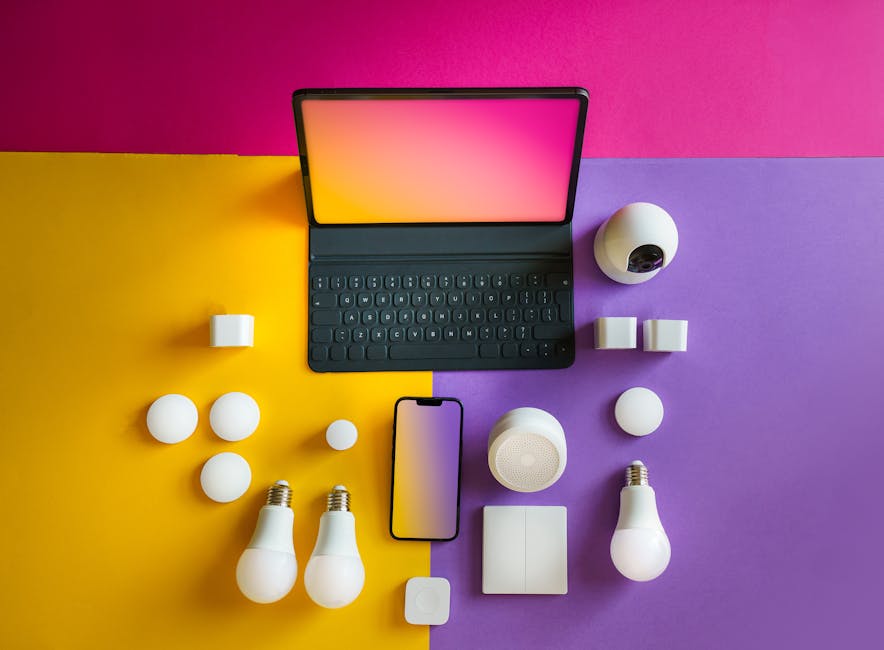
Understanding the Smart Lighting Ecosystem: A Beginner’s Guide
Smart lighting transcends simple on/off functionality. It’s a comprehensive system involving various components working together to create customized and efficient illumination. Before diving into specific product recommendations, understanding these components is crucial.
The foundation is the smart bulb. These bulbs replace traditional incandescent, halogen, or even standard LED bulbs. Smart bulbs incorporate a small radio transceiver (typically Wi-Fi, Zigbee, or Bluetooth) that allows them to communicate with other devices. Key features to consider include:
- Color Temperature: Measured in Kelvin (K), this determines the “warmth” or “coolness” of the light. Lower K values (2700K-3000K) produce a warm, yellow light ideal for relaxation, while higher K values (5000K-6500K) create a cool, bright light suitable for task lighting. Many smart bulbs offer adjustable color temperature.
- Brightness (Lumens): Lumens measure the total amount of visible light emitted by a bulb. Consider the size of the room when choosing the appropriate lumen output.
- Color Control (RGB): Some smart bulbs offer full RGB color control, allowing you to select from millions of colors. This is ideal for creating ambiance and mood lighting.
- Connectivity: Wi-Fi bulbs connect directly to your home Wi-Fi network, simplifying setup but potentially straining your router’s capacity. Zigbee and Bluetooth bulbs require a hub to communicate, offering greater stability and scalability.
- Lifespan: Smart bulbs generally have a longer lifespan than traditional bulbs, but it’s still a factor to consider.
- Energy Efficiency: Look for Energy Star-rated smart bulbs to minimize energy consumption.
Beyond the bulbs, the hub (or lack thereof) is a critical decision point. Wi-Fi bulbs operate independently, connecting directly to your router, making them easy to install. However, they can bog down your network if you have many devices. Zigbee and Bluetooth bulbs communicate through a dedicated hub, which then connects to your router. Hubs offer several advantages:
- Centralized Control: All your smart lights are managed through a single interface, simplifying management.
- Enhanced Range: The hub extends the range of your smart lighting system.
- Reduced Wi-Fi Congestion: Since the bulbs don’t connect directly to your Wi-Fi, they don’t contribute to network congestion.
- Improved Security: Hubs often offer enhanced security features.
Finally, control mechanisms determine how you interact with your smart lighting system. These include:
- Smartphone Apps: Most smart lighting systems have dedicated apps that allow you to control individual lights, create scenes, set schedules, and adjust settings.
- Voice Assistants (Amazon Alexa, Google Assistant, Apple HomeKit): Integrate your smart lights with voice assistants for hands-free control.
- Smart Switches and Dimmers: These replace traditional switches and dimmers, offering physical control options alongside app and voice control.
- Motion Sensors: Automate lighting based on occupancy, improving energy efficiency and security.
- IFTTT (If This Then That): Connect your smart lights to other smart devices and services to create complex automation routines.
Planning Your Smart Lighting Setup: Room by Room
The best smart lighting solutions are tailored to the specific needs of each room. Consider the function of the room, the amount of natural light, and your personal preferences.
- Living Room: Prioritize ambiance and versatility. Use dimmable smart bulbs in lamps and overhead fixtures to create different moods. Consider RGB bulbs for accent lighting. A smart switch can control multiple lights simultaneously.
- Kitchen: Focus on bright, task-oriented lighting. Install under-cabinet lighting with adjustable color temperature. Use smart bulbs in overhead fixtures to provide ample illumination.
- Bedroom: Create a relaxing and calming environment. Use warm-toned smart bulbs in bedside lamps and overhead fixtures. Integrate with a sleep timer to gradually dim the lights before bedtime. Blackout curtains can further enhance sleep quality.
- Bathroom: Use bright, white light for grooming and task lighting. Consider a smart mirror with integrated lighting. Ensure the bulbs are rated for damp environments.
- Home Office: Prioritize focused and productive lighting. Use cool-toned smart bulbs in desk lamps and overhead fixtures. A smart switch can control multiple lights simultaneously. Implement a blue-light filter on your devices to reduce eye strain.
- Outdoor Lighting: Enhance security and curb appeal. Use motion-activated smart floodlights near entrances. Install smart string lights to create a welcoming ambiance. Ensure the bulbs and fixtures are weather-resistant.
Installation and Configuration: A Step-by-Step Guide
The installation process varies depending on the type of smart lighting system. However, the general steps are as follows:
- Download the App: Download the app for your chosen smart lighting system from the App Store or Google Play.
- Create an Account: Create an account within the app.
- Connect the Hub (if applicable): Follow the app’s instructions to connect the hub to your Wi-Fi network.
- Install the Bulbs: Screw the smart bulbs into the desired fixtures.
- Pair the Bulbs: Follow the app’s instructions to pair the bulbs with the hub or directly to your Wi-Fi network.
- Name and Group the Bulbs: Assign descriptive names to each bulb and group them into rooms or zones for easier control.
- Configure Scenes and Schedules: Create scenes for different activities (e.g., “Movie Night,” “Dinner Party”) and set schedules to automate lighting based on time of day.
- Integrate with Voice Assistants: Connect your smart lighting system to your voice assistant for hands-free control.
- Test the System: Thoroughly test all features and settings to ensure everything is working properly.
Troubleshooting Common Smart Lighting Issues
Even with careful planning and installation, you may encounter some common issues. Here are some troubleshooting tips:
- Bulb Not Connecting: Ensure the bulb is within range of the hub or Wi-Fi router. Check the Wi-Fi password and network settings. Restart the bulb by turning it off and on.
- Bulb Flickering: This could be due to a loose connection or a faulty bulb. Try tightening the bulb or replacing it.
- App Not Responding: Ensure your smartphone is connected to the internet. Restart the app or your smartphone.
- Voice Control Not Working: Ensure your smart lighting system is properly connected to your voice assistant. Check your voice assistant’s settings and permissions.
- Hub Not Connecting: Ensure the hub is plugged in and connected to your Wi-Fi router. Restart the hub and your router.
- Inconsistent Dimming: Some LED bulbs may not dim smoothly. Choose bulbs that are specifically designed for dimming. Check the compatibility of your dimmer switch with the smart bulb.
- Security Concerns: Change default passwords and enable two-factor authentication. Keep your smart lighting system’s firmware up to date.
Advanced Smart Lighting Features and Considerations
Once you’ve mastered the basics, you can explore more advanced features:
- Geofencing: Automatically turn lights on or off based on your location.
- Adaptive Lighting: Adjust color temperature and brightness automatically based on the time of day.
- Integration with Security Systems: Trigger lights when motion is detected by security cameras.
- Energy Monitoring: Track energy consumption and identify areas for improvement.
- Color Coordination: Coordinate lighting colors with your décor or mood.
- Gaming Integration: Sync lighting with your games for an immersive experience.
- Choosing the Right Protocol (Zigbee vs. Z-Wave vs. Wi-Fi vs. Bluetooth): Research the pros and cons of each protocol to determine the best fit for your needs.
- Data Privacy Considerations: Understand how your smart lighting system collects and uses your data.
By carefully considering your needs, planning your setup, and following these guidelines, you can transform your home into a smart and efficiently lit space.